Set an alarm
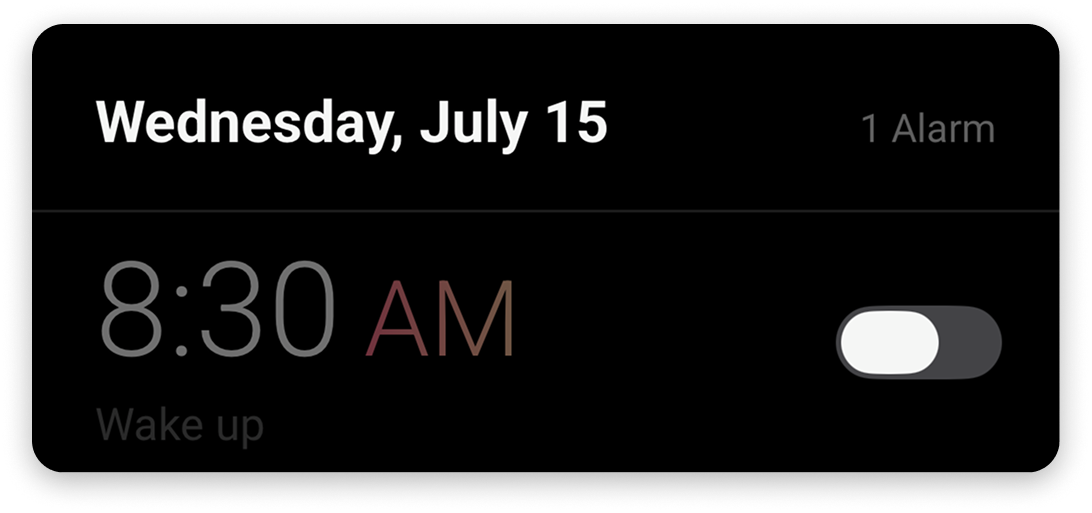
Set alarms for any date and time — they appear and ring like standard phone alarms.
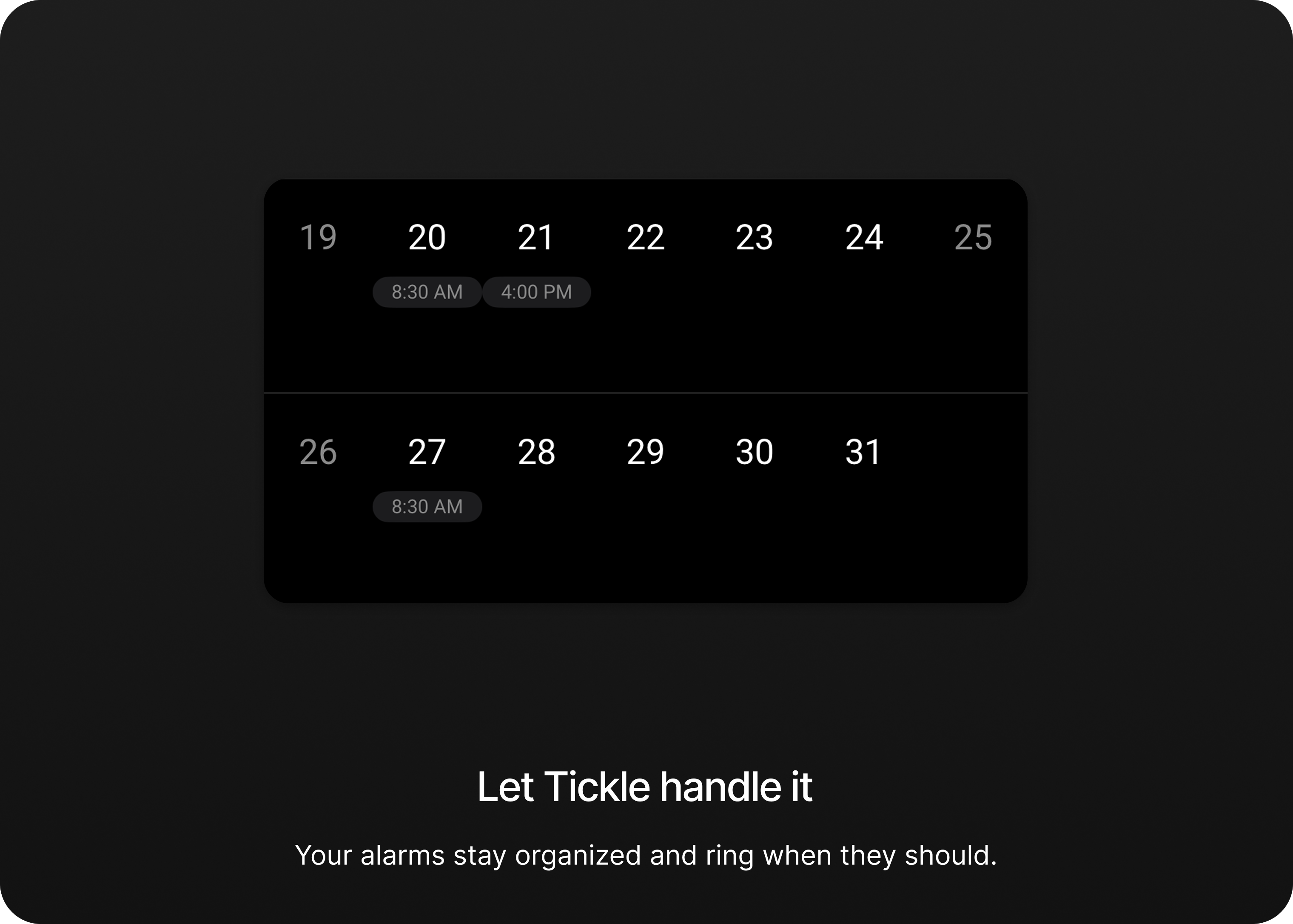
Schedule alarms for any future date, see them all on a calendar,
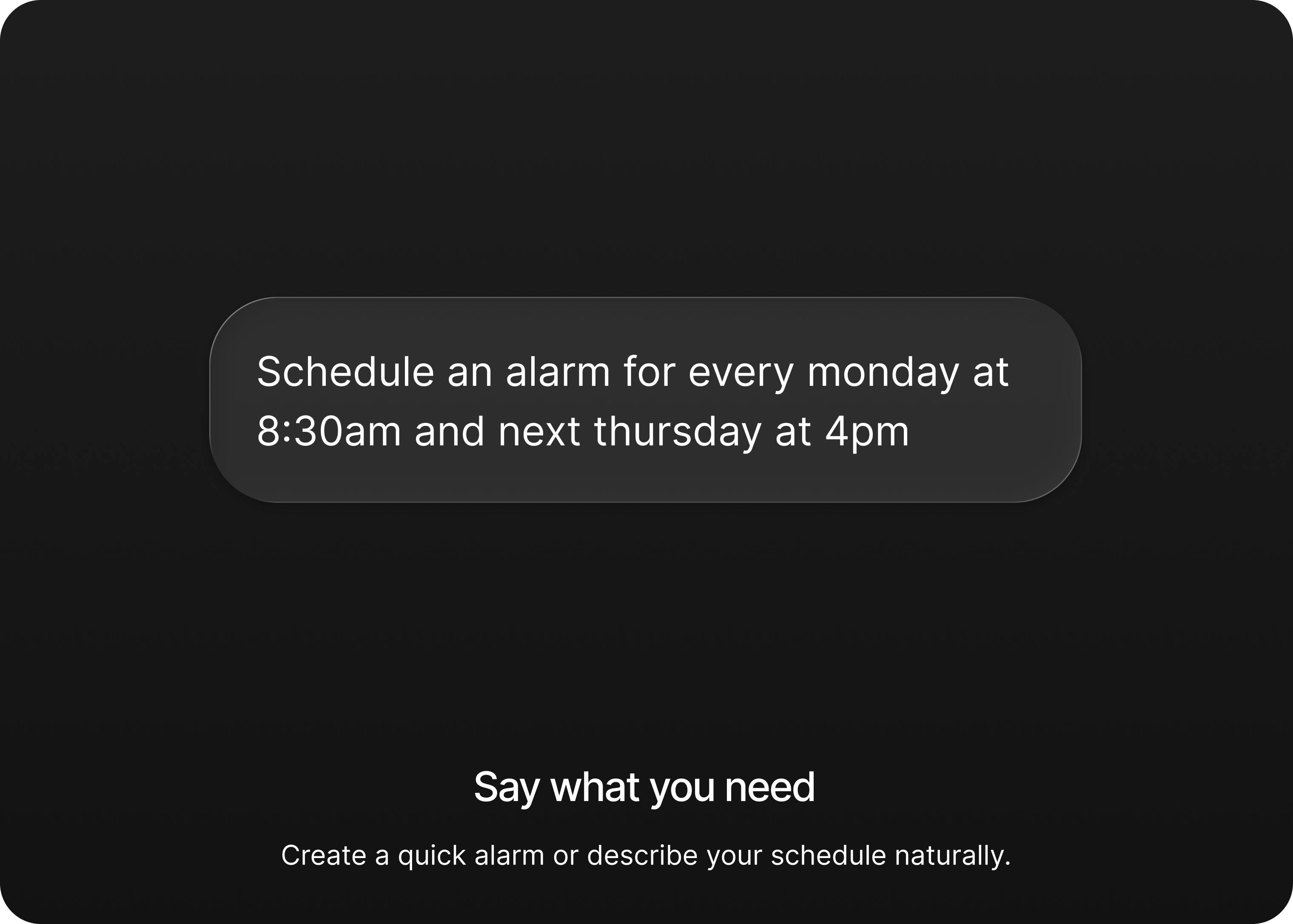
and create entire alarm schedules in plain English.
 Replace with assets/hero-float-left.png

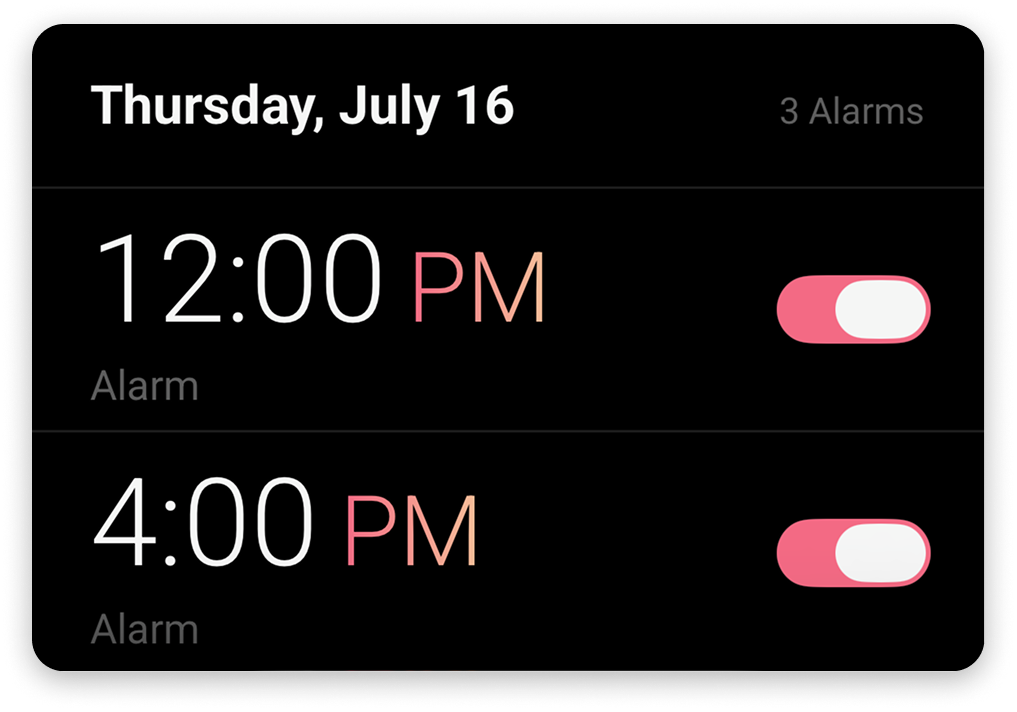 Replace with assets/hero-float-right.png
Set alarms for any date and time — they appear and ring like standard phone alarms.

Repeat alarms, add early reminders, skip dates, and more.

View all upcoming alarms in a calendar and edit them from the same screen.
Memory lapses are reported on 40% of days. Some things need more than a notification.
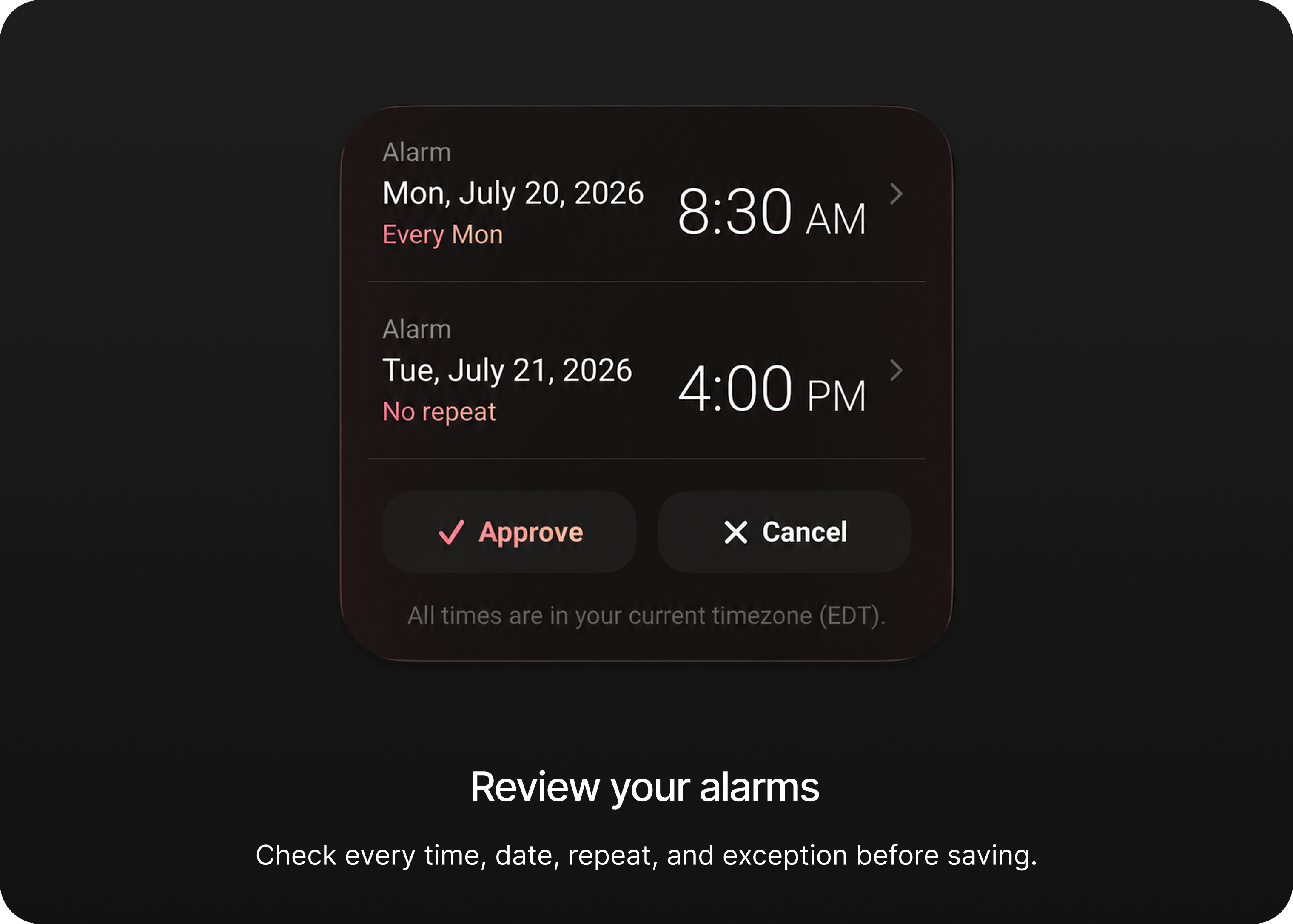
Tell Tickle what you need, review the schedule, and save it.